Talk. It types. In your language.
A voice keyboard that follows you into any app. Tap the mic, talk, and your words appear, clean and punctuated, ready to send.
Talk naturally. Watch your words appear: clean, punctuated, in your language.
Speaking inunder a minute
Install in a minute
Get VoxType on any modern Android phone. The app walks you through the one-time setup, step by step.
Pick your mic
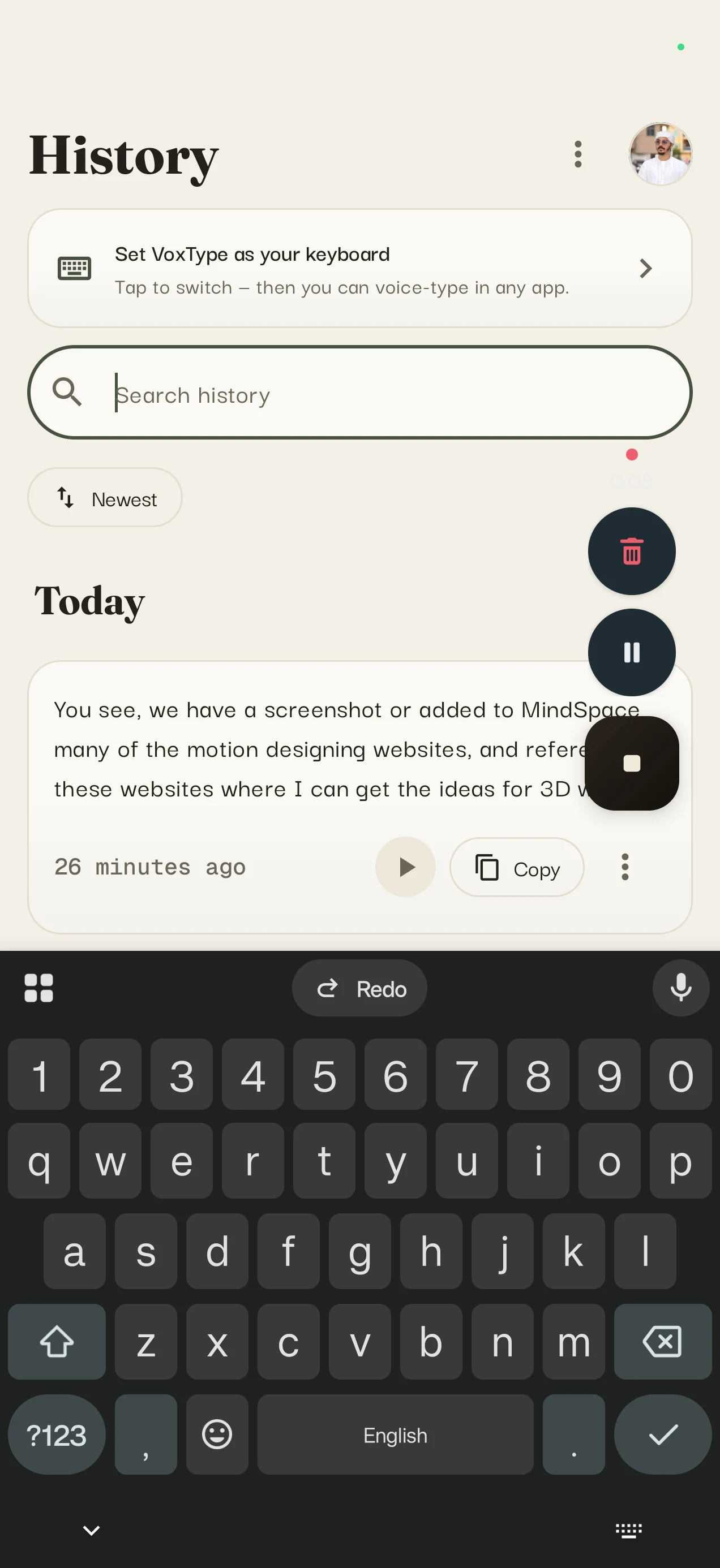
Tap the floating button over any keyboard, or use the built-in mic. No switching keyboards, no digging through settings.
Keep it free
Start with 3 minutes of cloud dictation every day, or connect your own provider key for unlimited provider-side use.
Just talk
Your words appear in the app you’re using, clean and punctuated, about a second after you speak.
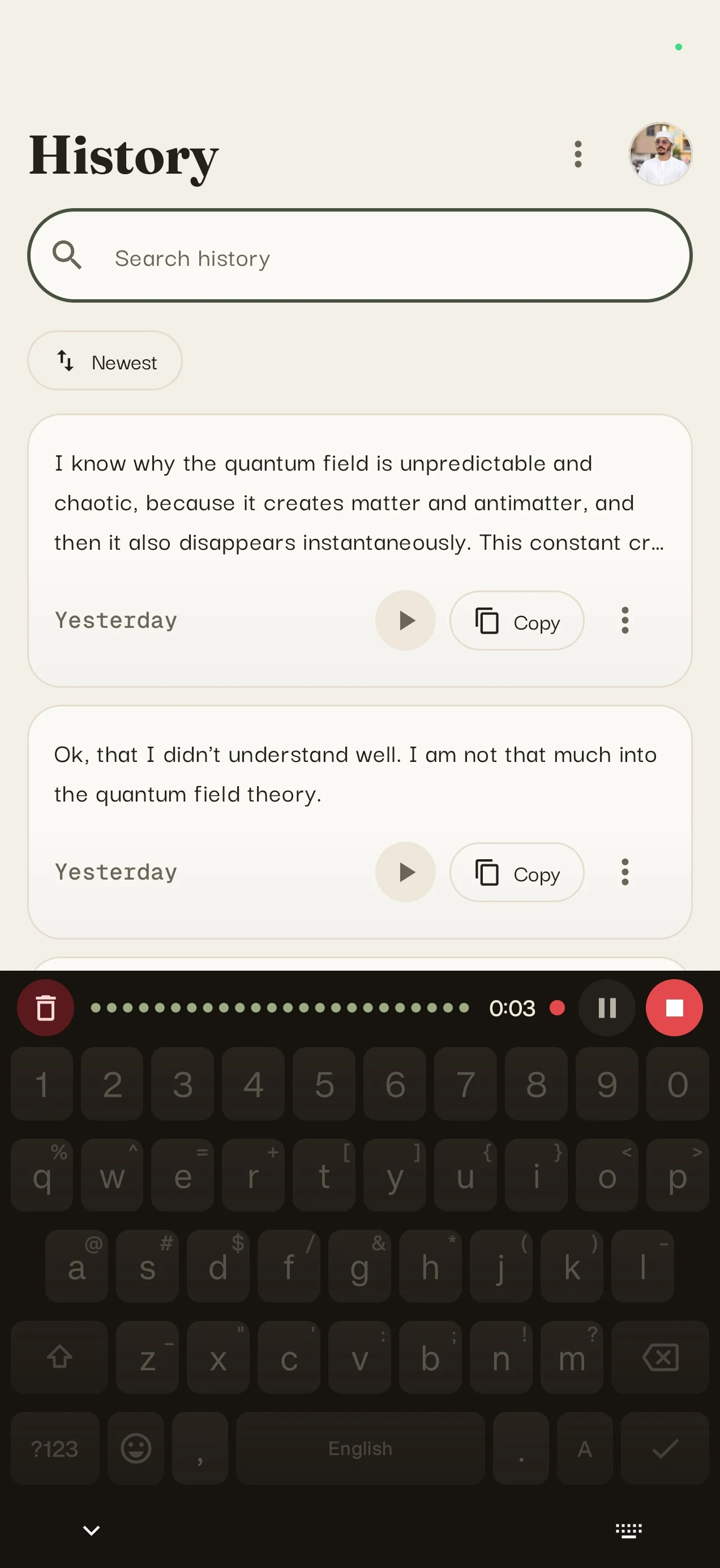
A keyboard that doesthe typing for you
A real keyboard, voice built in
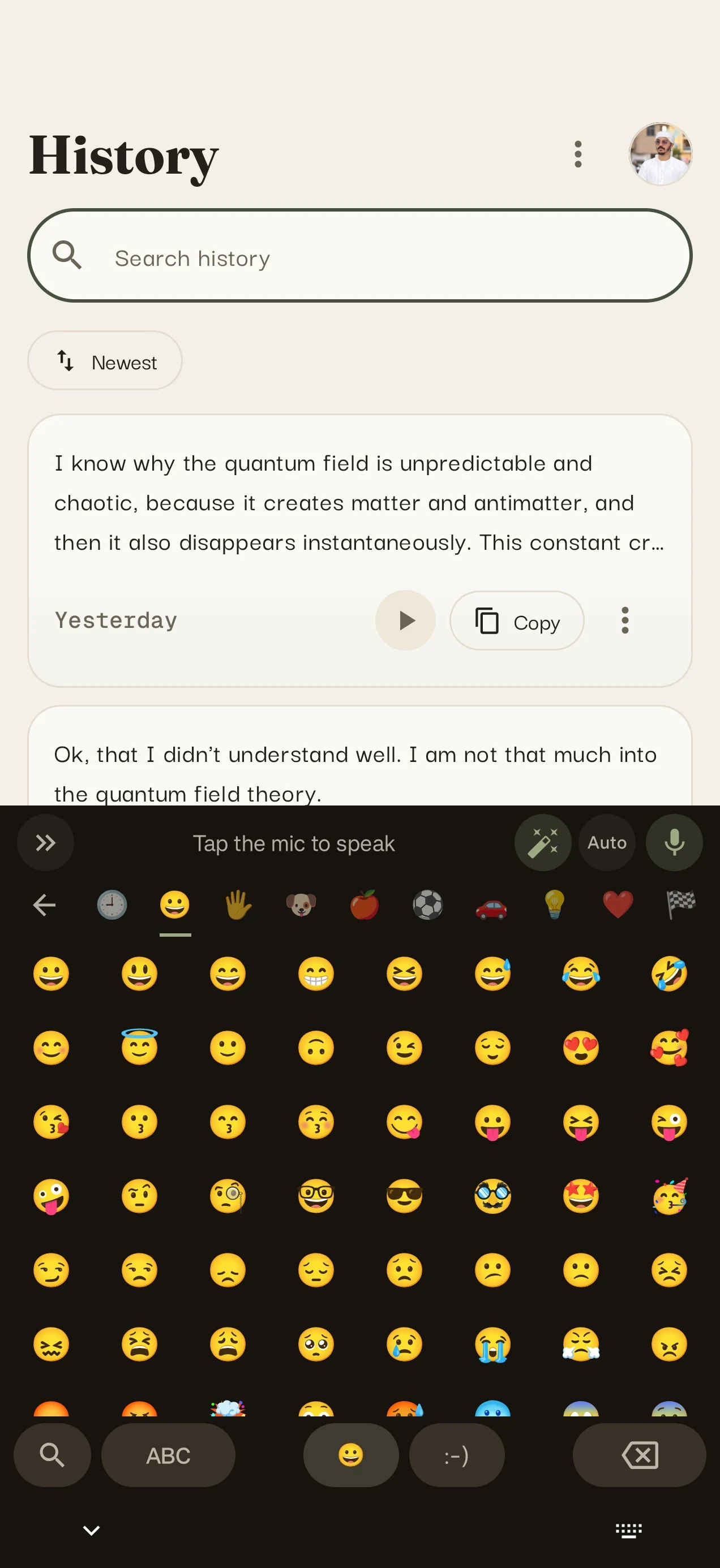
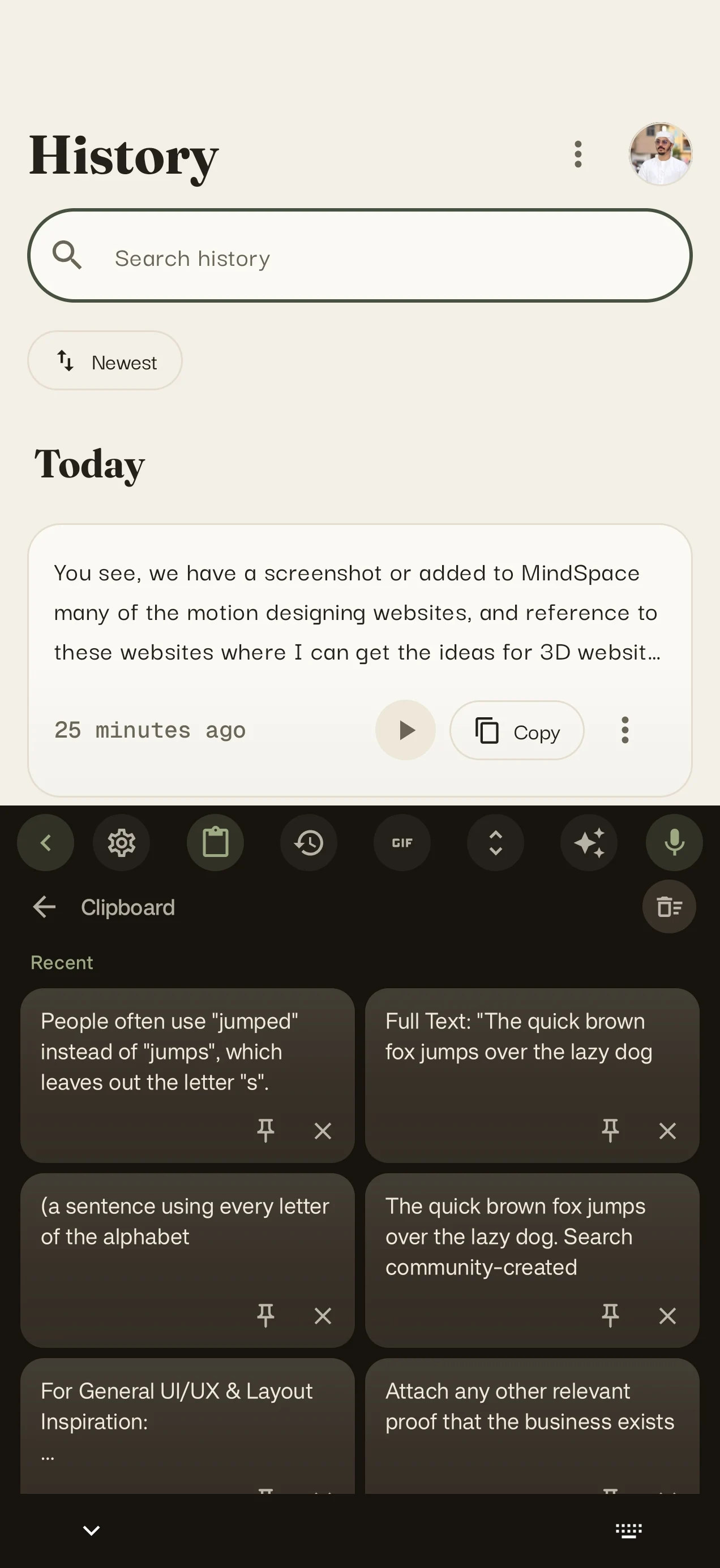
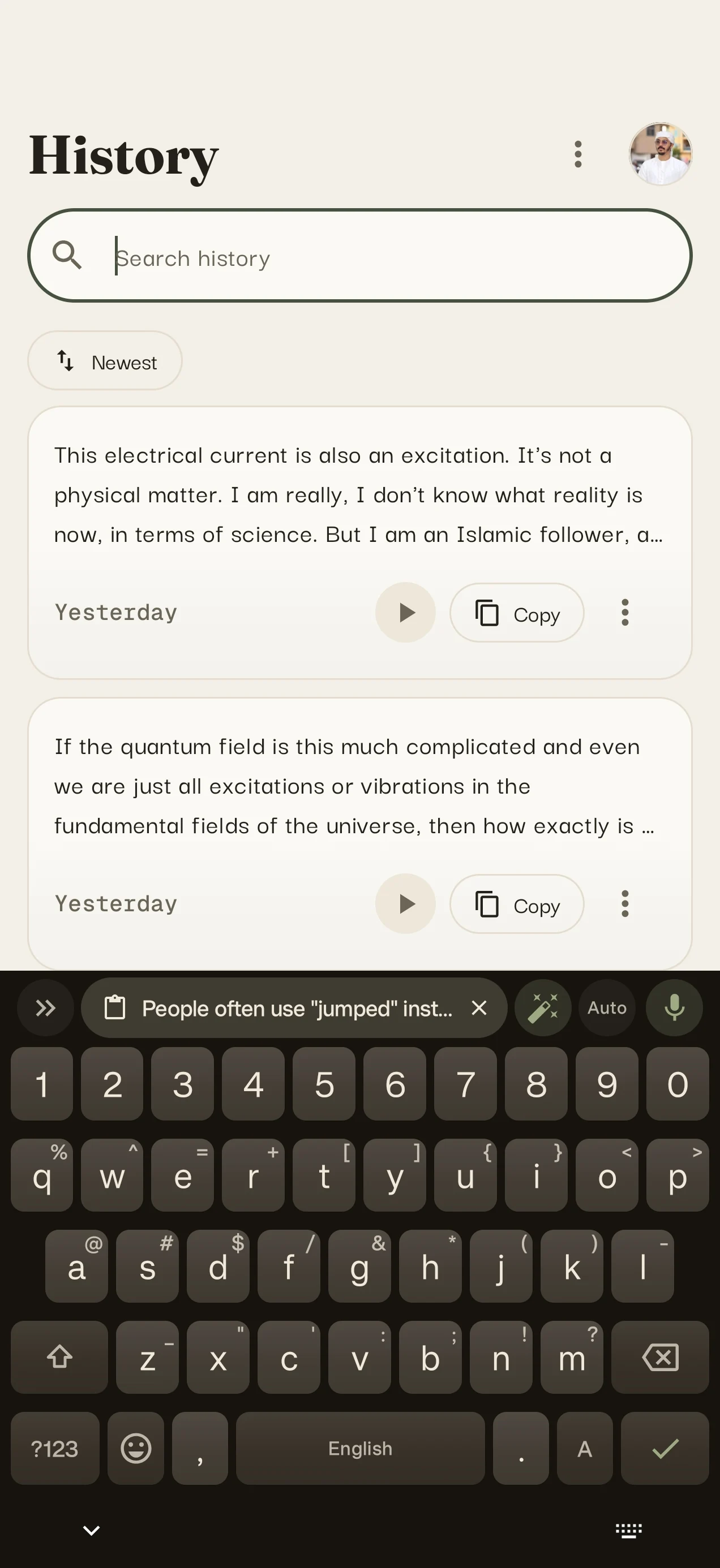
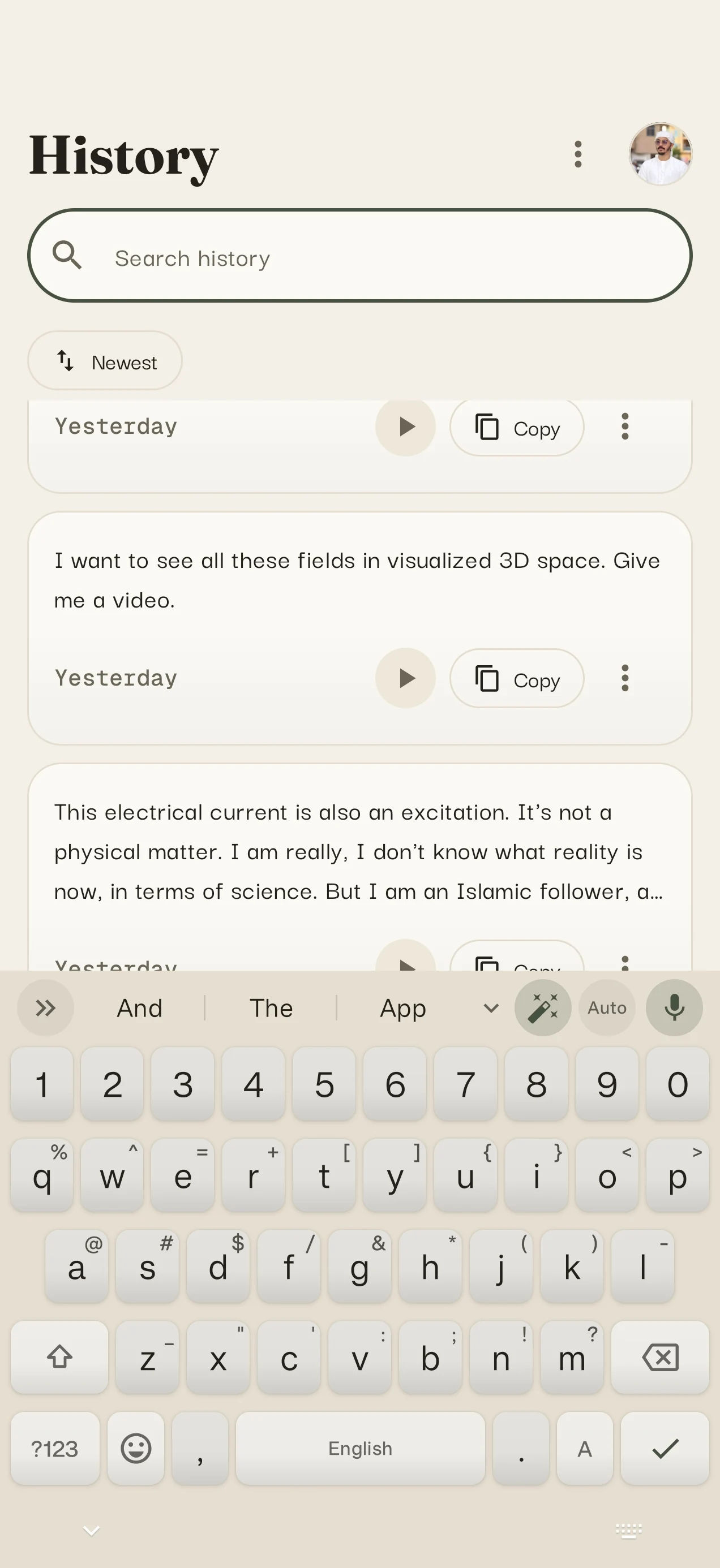
Everything a great keyboard has: suggestions, autocorrect, number row, one-handed mode, emoji, GIFs, stickers, clipboard history. Plus a compact mic bar that types what you say.
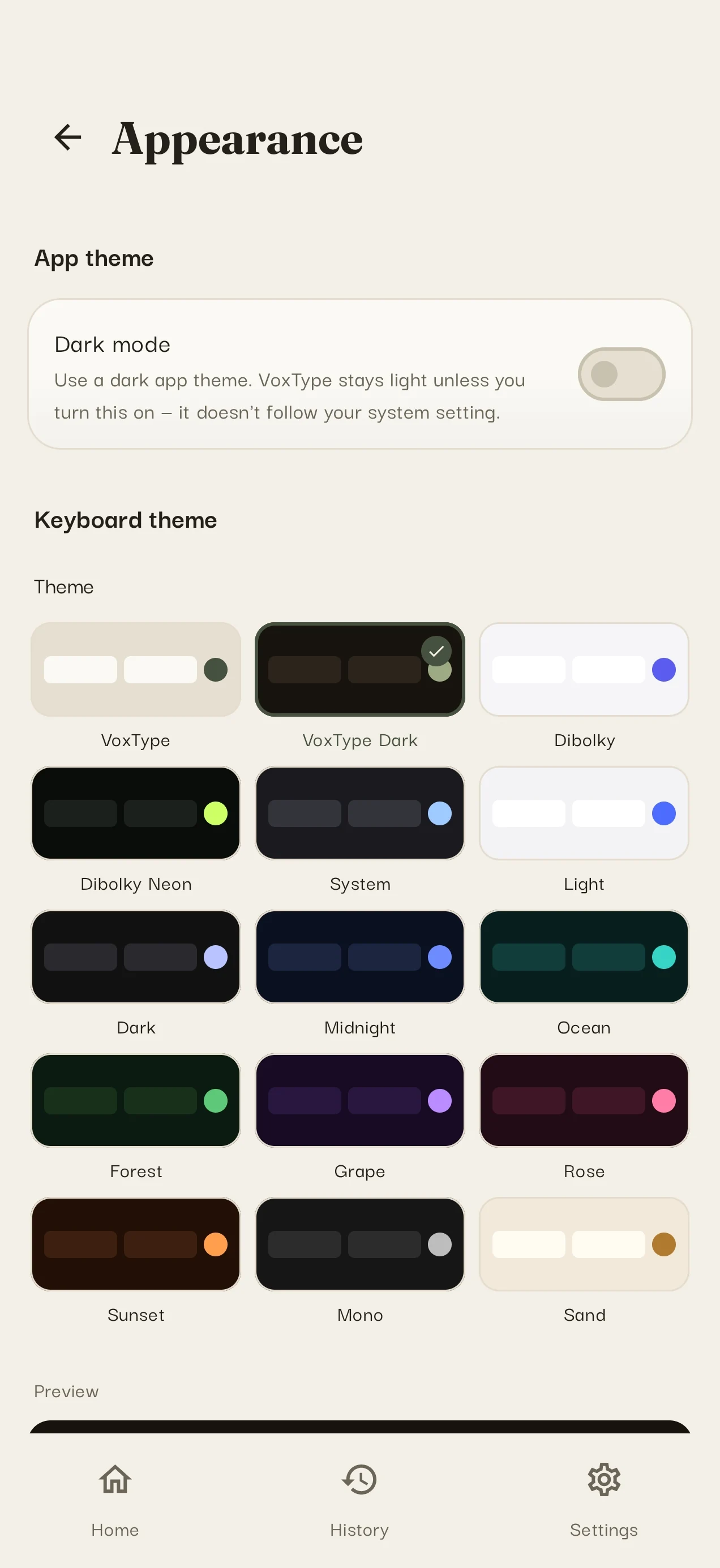
- Fifteen themes, dark mode, resizable height
- Spoken commands: “new line”, “heart emoji”
- Text shortcuts: type “otw”, get “on the way”
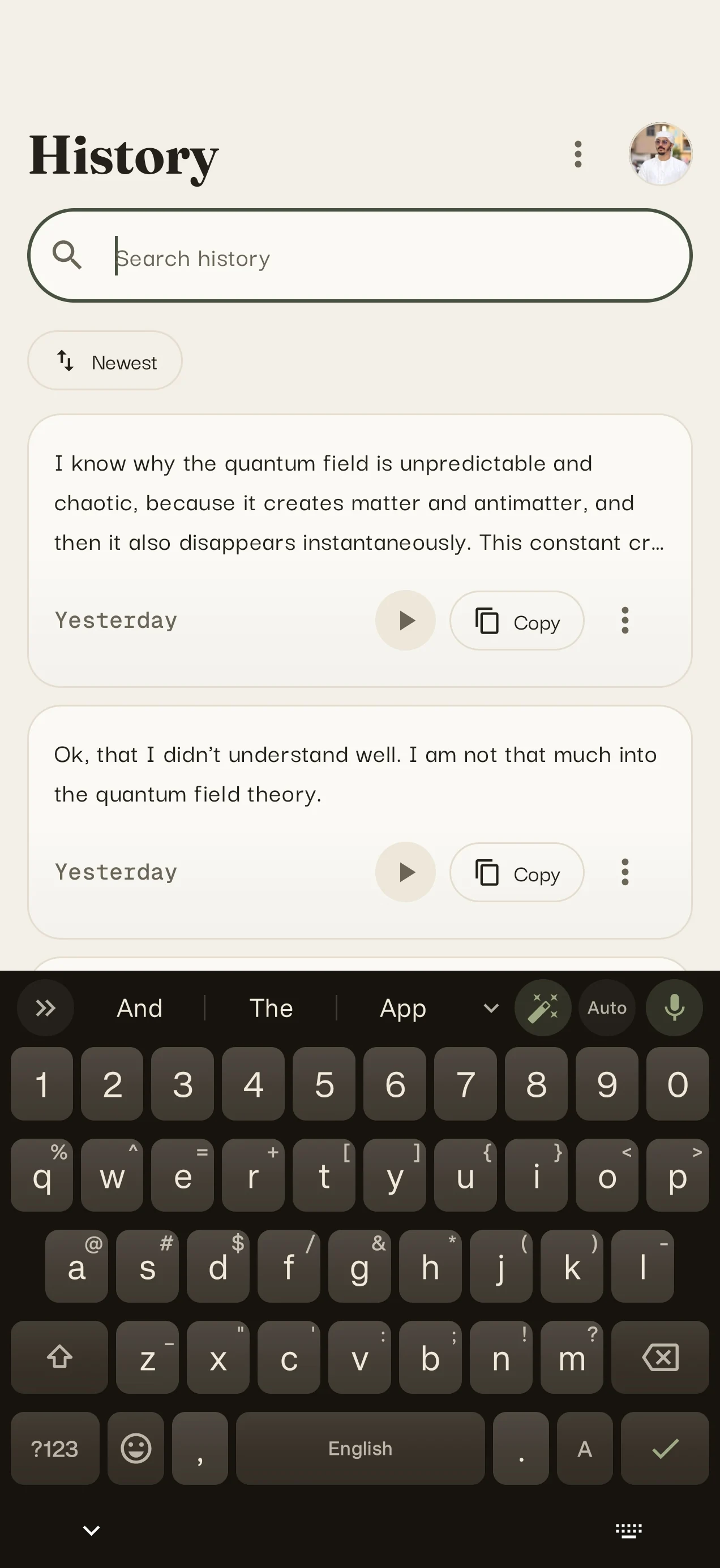
Clean writing, automatically
AI polish fixes grammar, punctuation and filler words without changing your meaning. Writing modes reshape a draft into an email, a message, professional notes or a prompt, all in one tap.
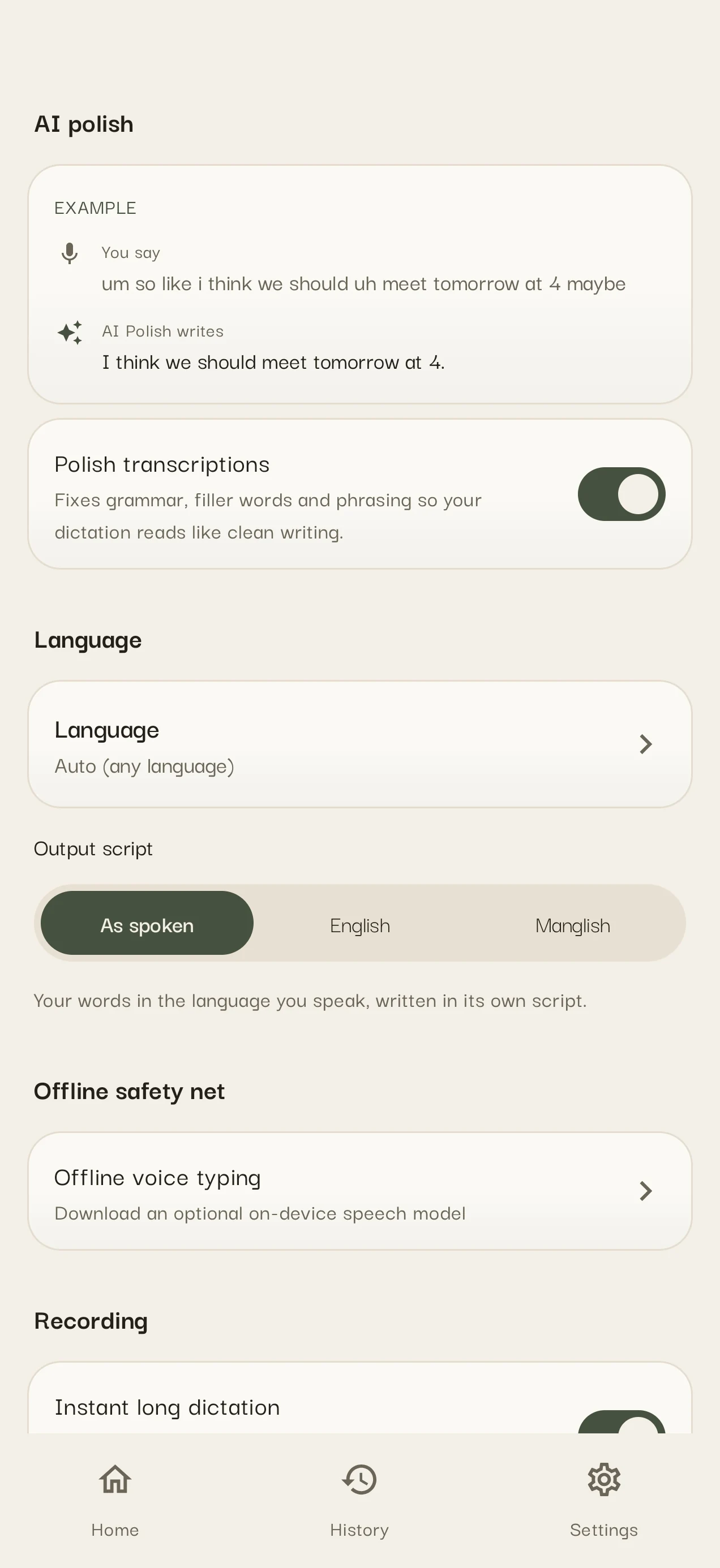
Dictate over any keyboard
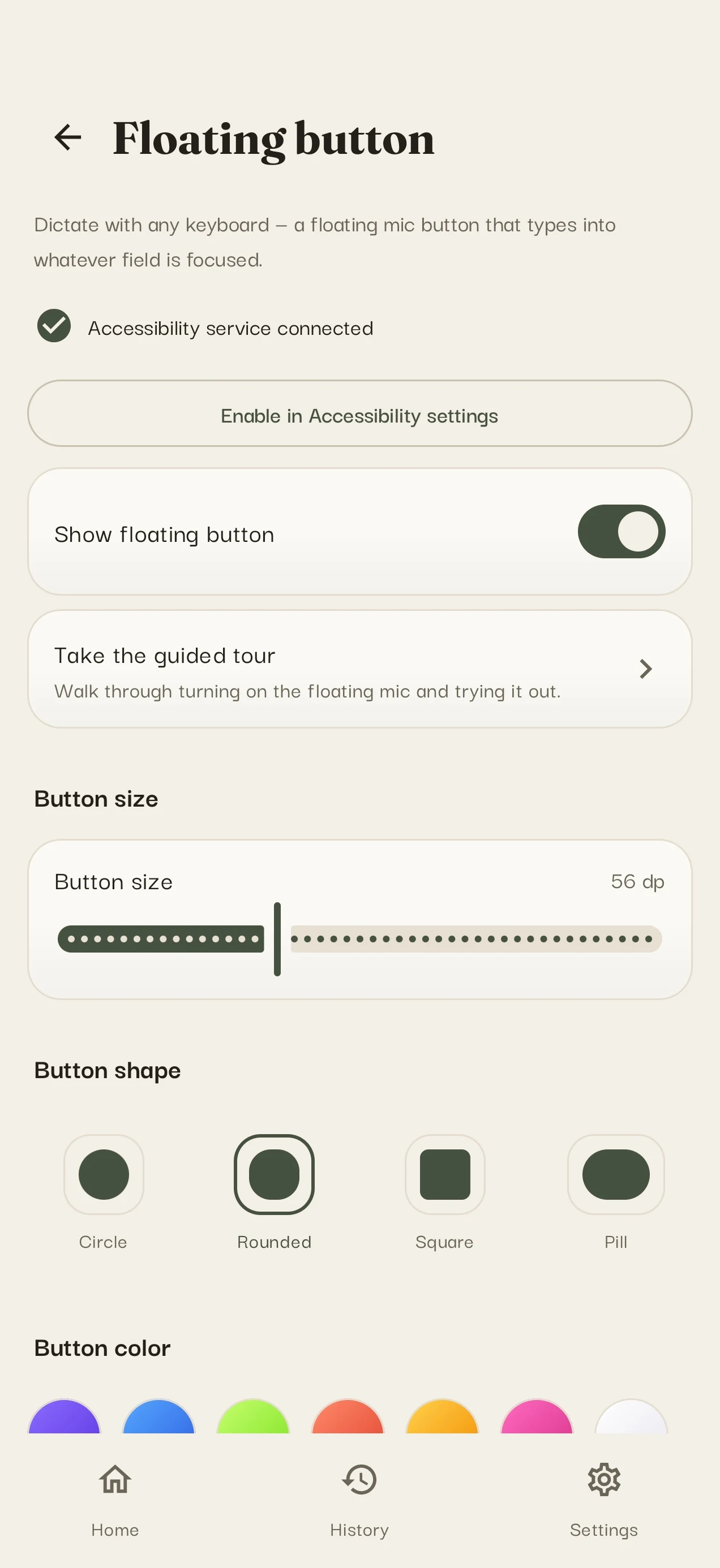
Keep the keyboard you love and add a floating mic. Tap it in any app and your words type themselves where your cursor is. Optional: the app walks you through the one-time setup.
- Floating button over Gboard, Samsung, any keyboard
- Auto-stop on silence, instant long dictation
- Keeps recording even when the keyboard hides
The keyboard, panel by panel
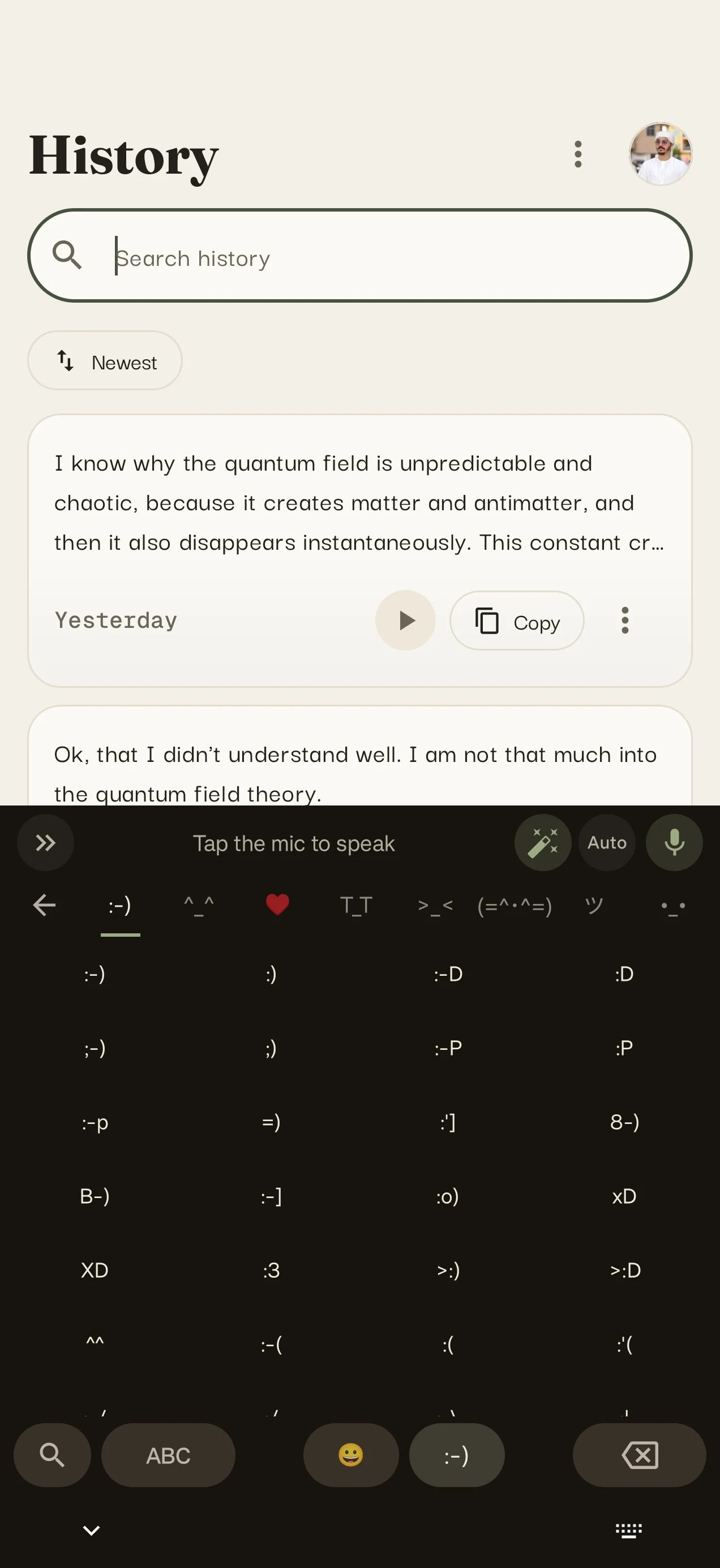
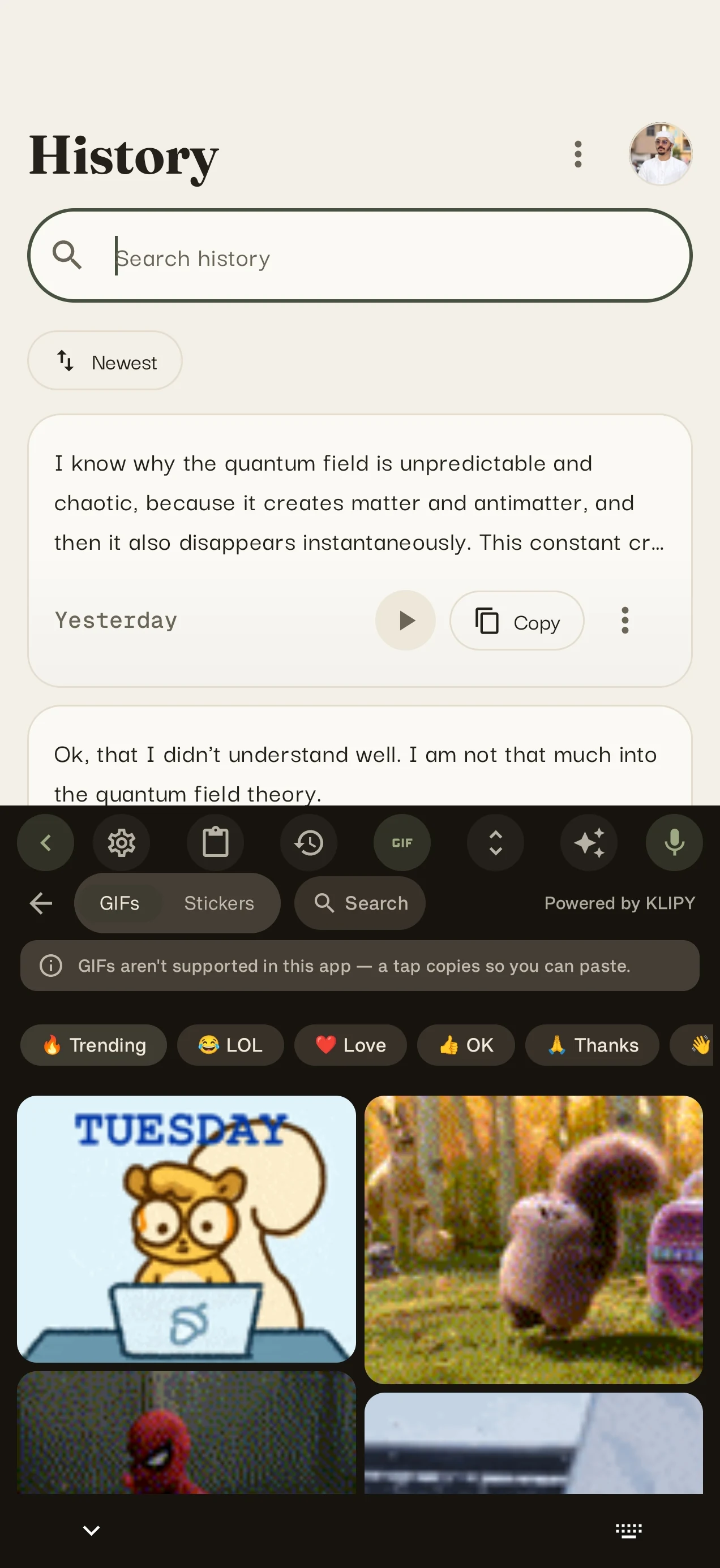
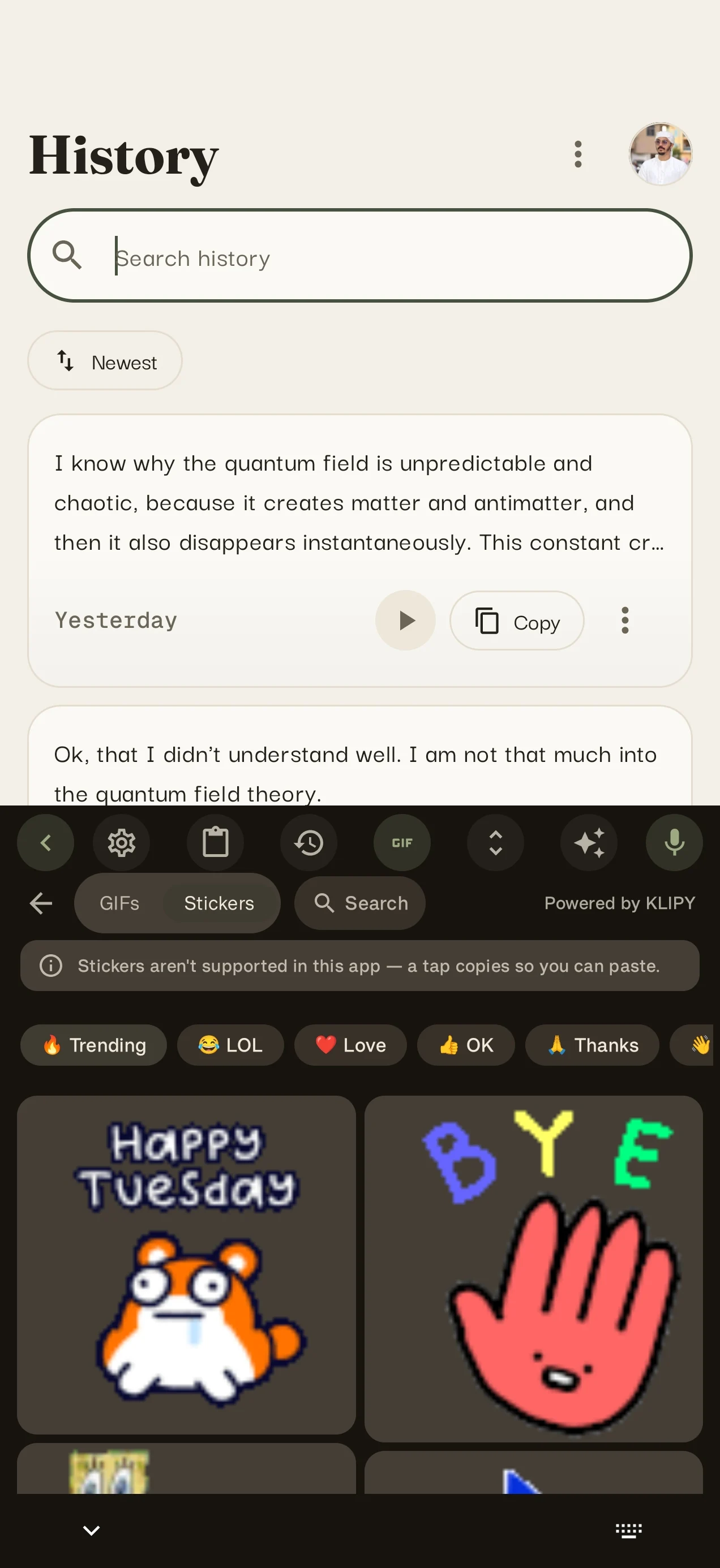
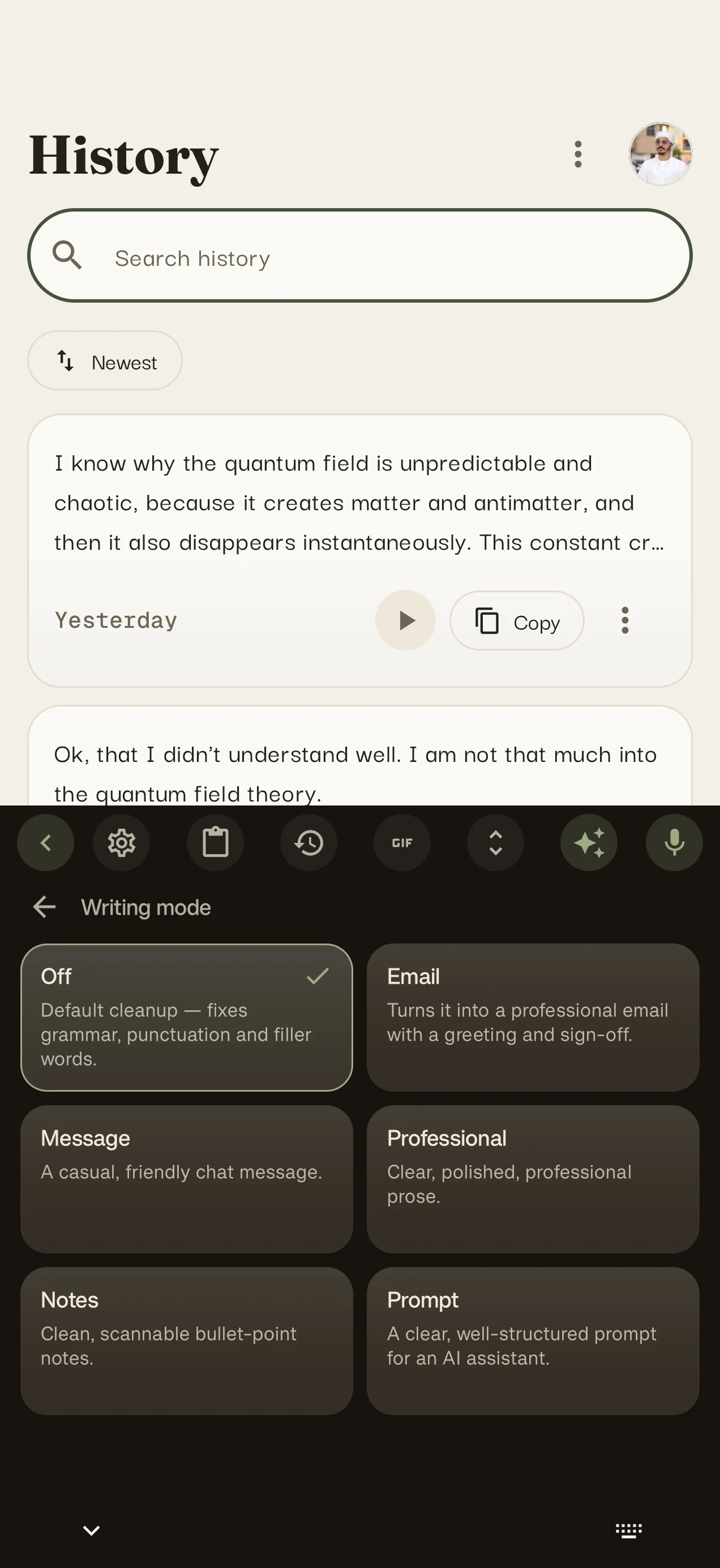
Fifteen themes,calm cream to midnight
Dark when you need focus, light when you don't. Your keyboard, your style.
Your voice, your data
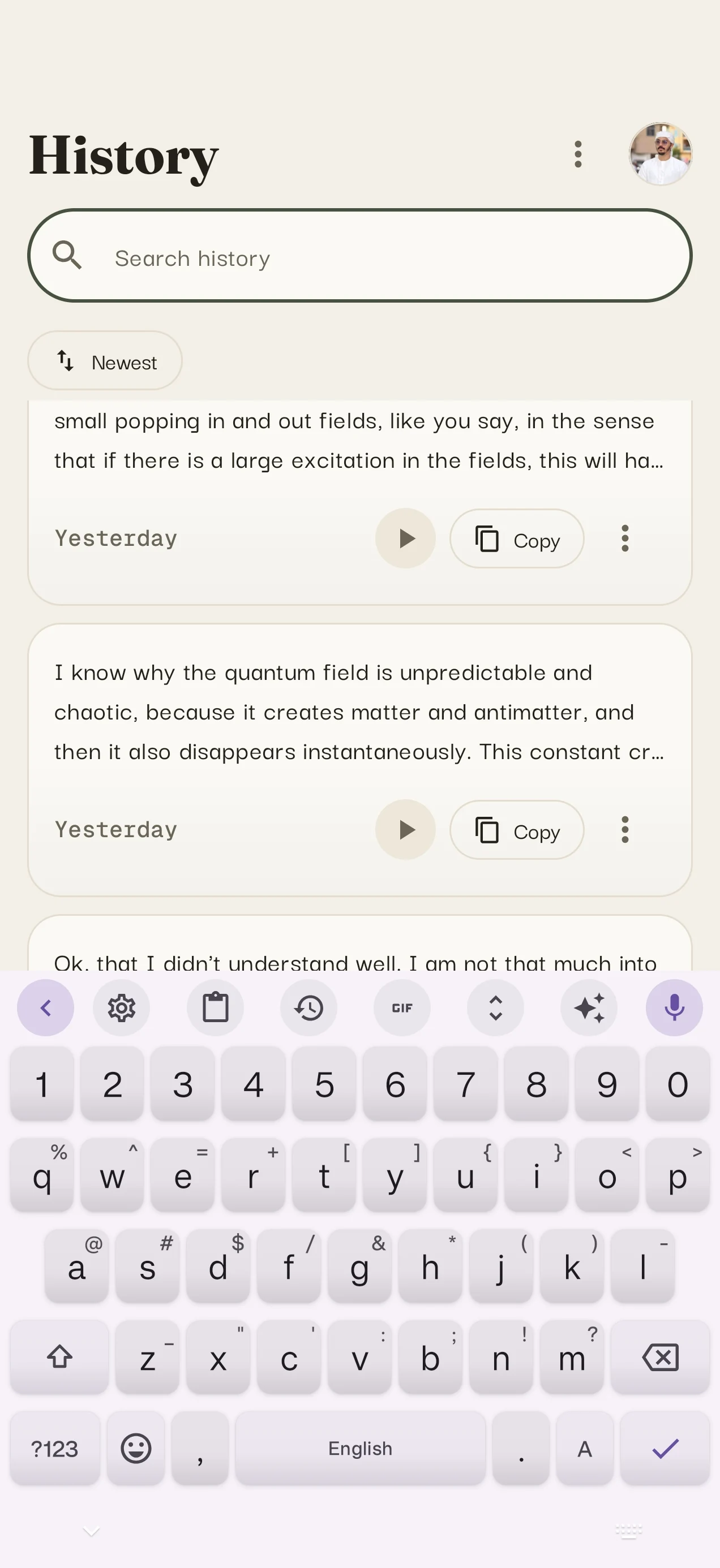
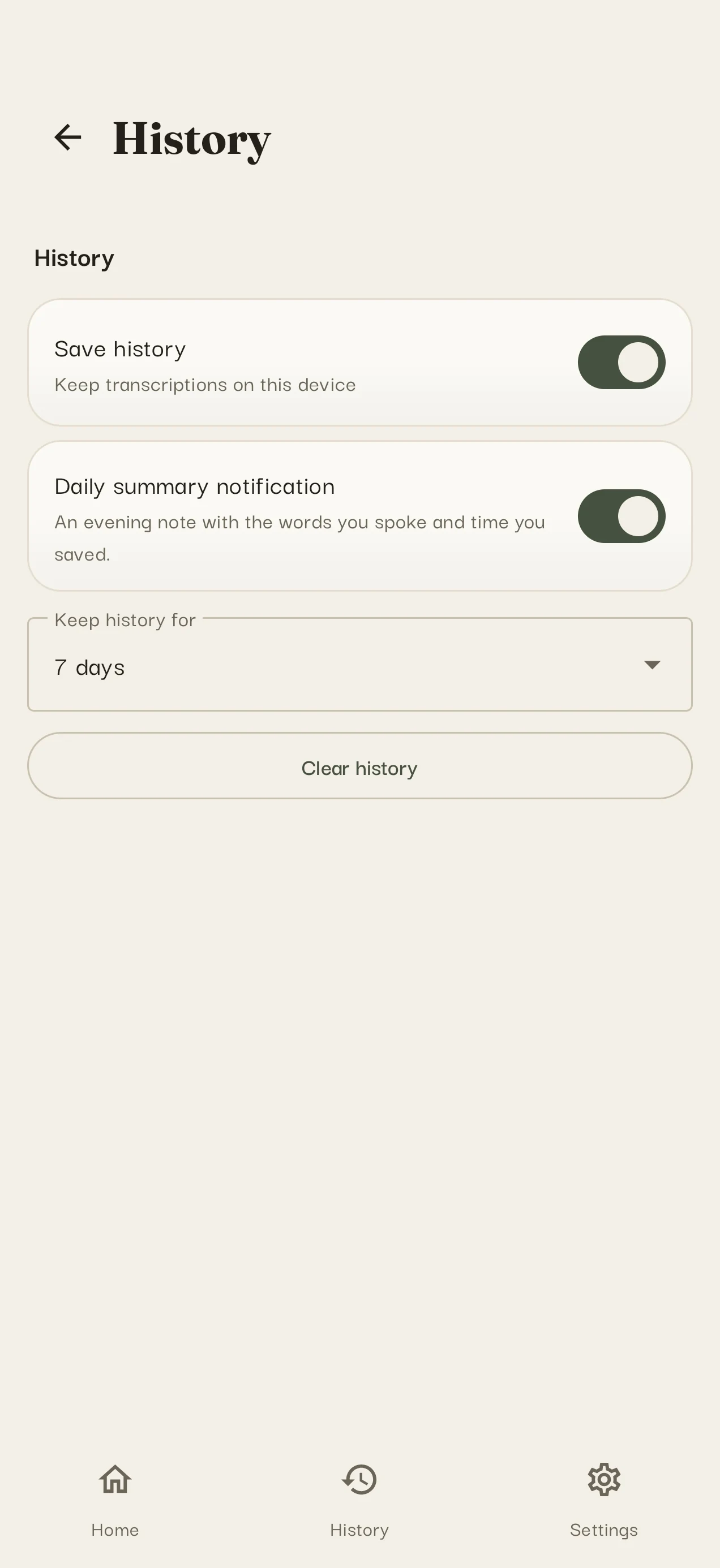
VoxType keeps your data out of the product experience. With your own provider key, audio goes directly from your phone to that provider. VoxType Cloud relays audio only while you dictate and does not store recordings; provider policies still apply.
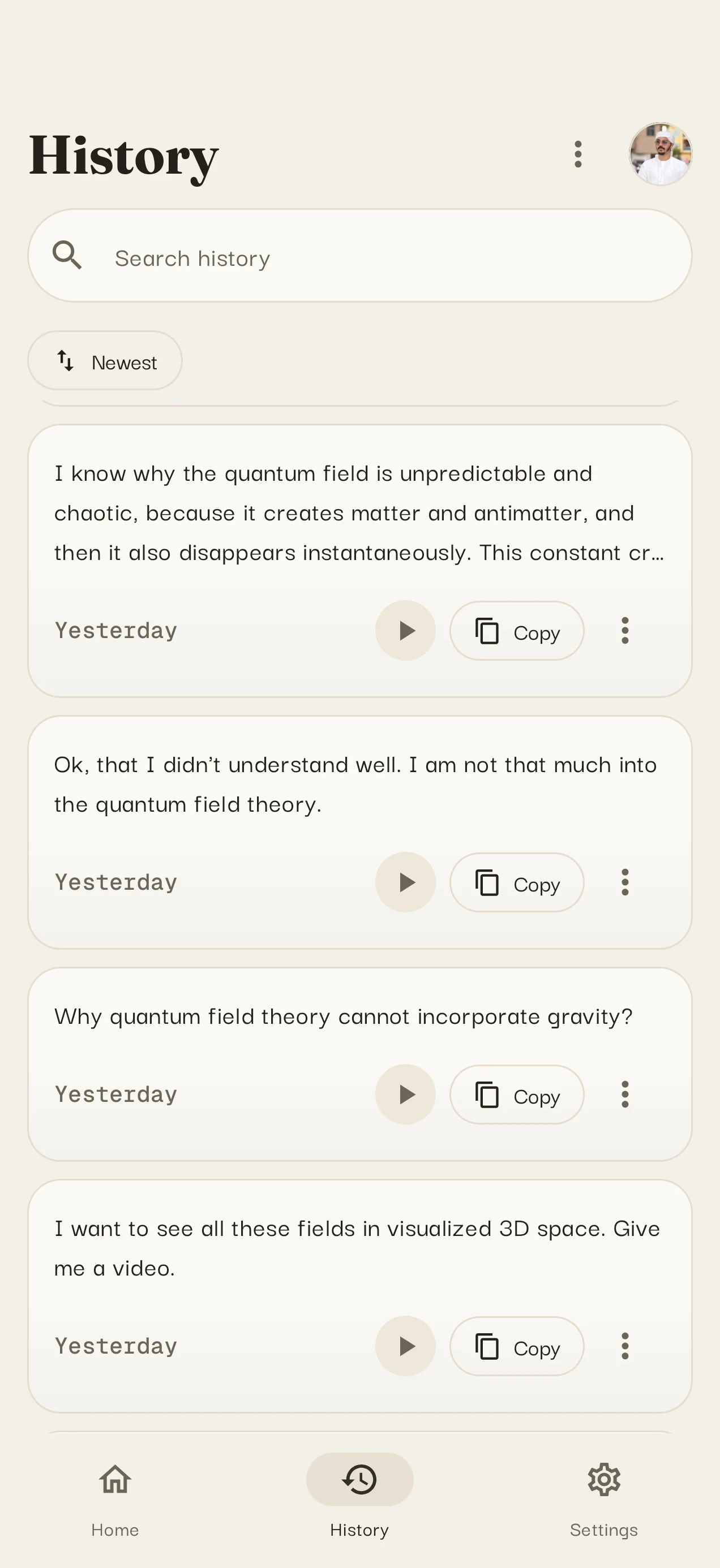
- History stays on your device, searchable anytime
- You choose how long it's kept, or clear it in one tap
- Encrypted backup, only if you switch it on
Powered by theright engine
Fast English
The fastest speech engine for English and everyday dictation.
Indian languages
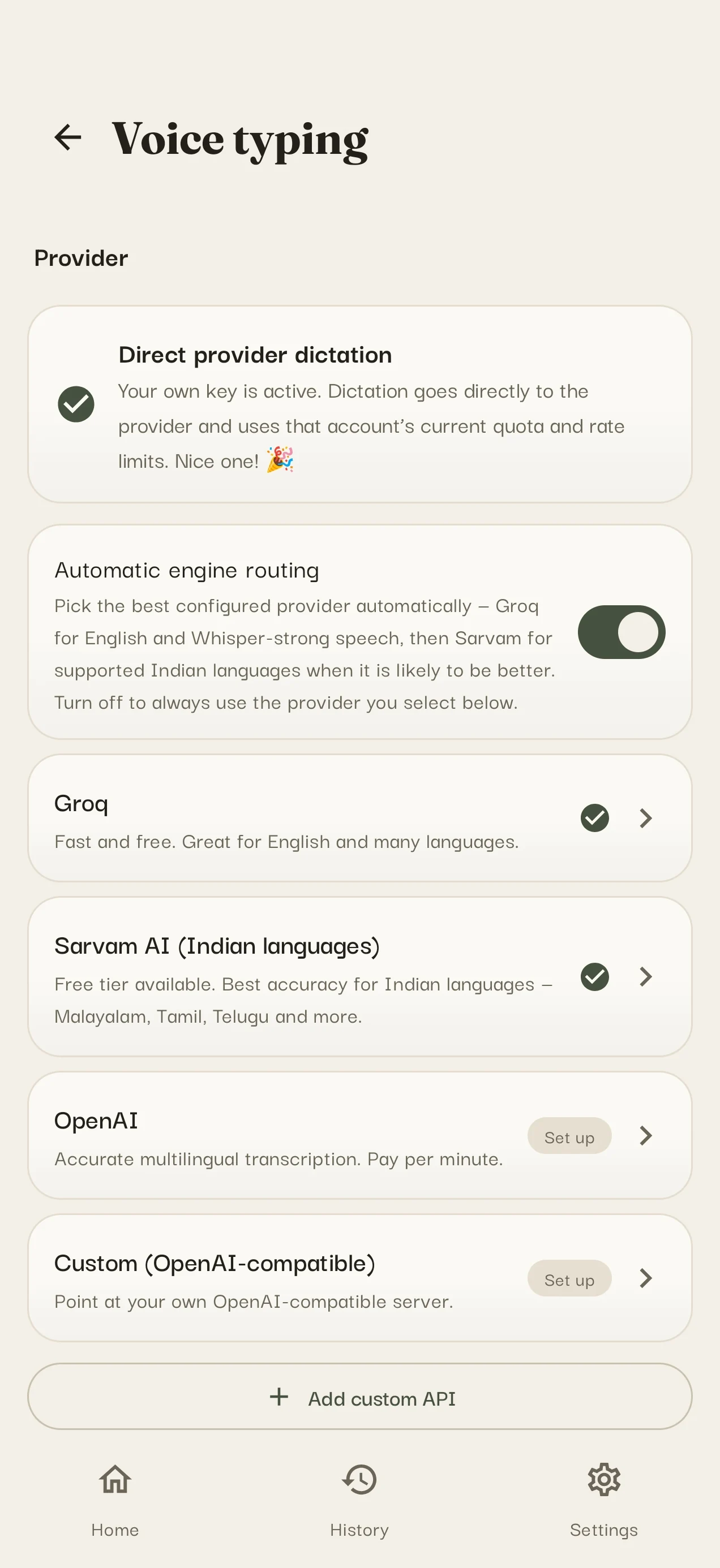
A specialist engine for Malayalam, Hindi, Tamil, Telugu, Kannada, Bengali and more.
Your own service
Connect any compatible service you already use, for unlimited dictation.
Offline mode
Download a speech engine and keep dictating on flights, trains and weak networks.
Private by design
Audio is sent only while you dictate. VoxType Cloud does not store recordings; your chosen provider's policy applies.
Typing with your thumbs was never meant for long replies. Dictate the way you talk and keep the words on your device.
Simple.Choose your Pro plan.
All Pro features with the flexibility to cancel in Google Play.
- AI polish & writing modes
- Long dictation and premium themes
- Encrypted backup & sync
The lower-cost annual option, billed securely through Google Play.
- AI polish & writing modes
- English & Roman outputs
- Long dictation and premium themes
- Encrypted backup & sync
Pay once and keep Pro forever on your account.
- Everything in Pro
- No recurring billing
- Redeem a code: VOX-XXXX-XXXX
Free every day: 3 minutes of VoxType Cloud dictation, plus rewarded-ad extensions. Bring your own Groq, Sarvam, OpenAI-compatible or self-hosted key for unlimited provider-side use; provider limits and policies apply.
Questions,answered
VoxType asks for microphone access when you dictate. The optional floating mic over other apps also needs Android accessibility and overlay permissions; the keyboard itself works without those optional features.
Audio is processed only while you dictate. VoxType Cloud does not store recordings; a provider you connect directly may have its own retention policy. Your dictation history stays on your phone unless you switch on sync.
Yes. Connect a Groq, Sarvam, OpenAI-compatible or self-hosted service. VoxType sends requests directly to your chosen provider; provider limits and policies apply.
Offline support depends on the local engine available in your build. When you use VoxType Cloud or a remote provider, an internet connection is required.
VoxType supports English plus 40+ languages across its engines. Availability and accuracy vary by engine; you can auto-detect or lock one language for focused recognition.
VoxType combines a full keyboard, a floating mic for any keyboard, Indic-language routing, offline engines and bring-your-own-provider support. Keep your current keyboard and add dictation instead of replacing your workflow.
Speak your first messagein under a minute
Set up in less than a minute on any modern Android phone. Free to start, yours to keep.
Prefer a direct install? The APK is signed and served with a checksum. View APK version, size and SHA-256 →